YouGooDai
Mobile of the Day

YouGooDai

5.0 FREE
  • Screenshot 1
  • Screenshot 2
  • Screenshot 3
  • Screenshot 4
  • Screenshot 5
  • Screenshot 6

Description

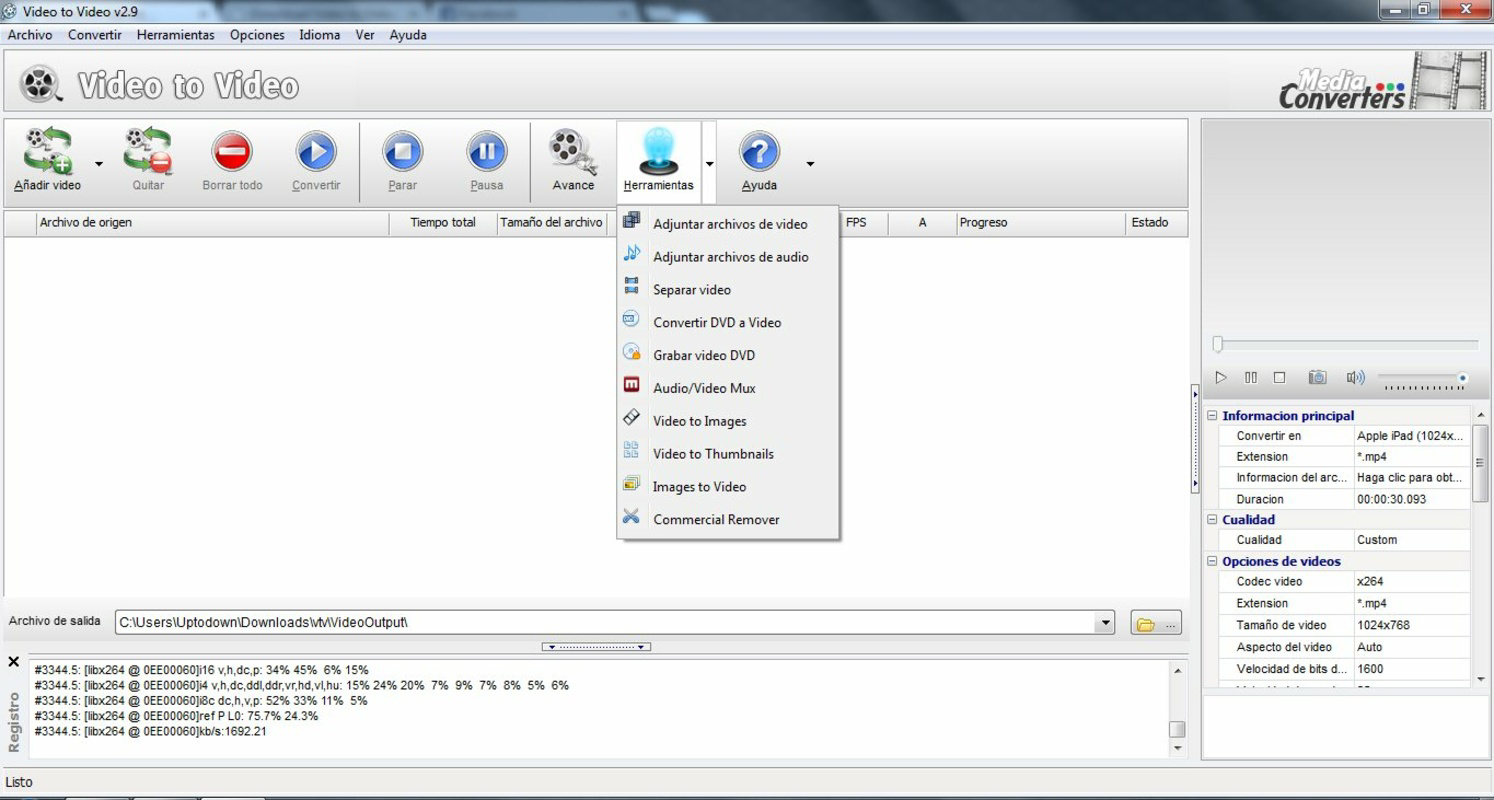
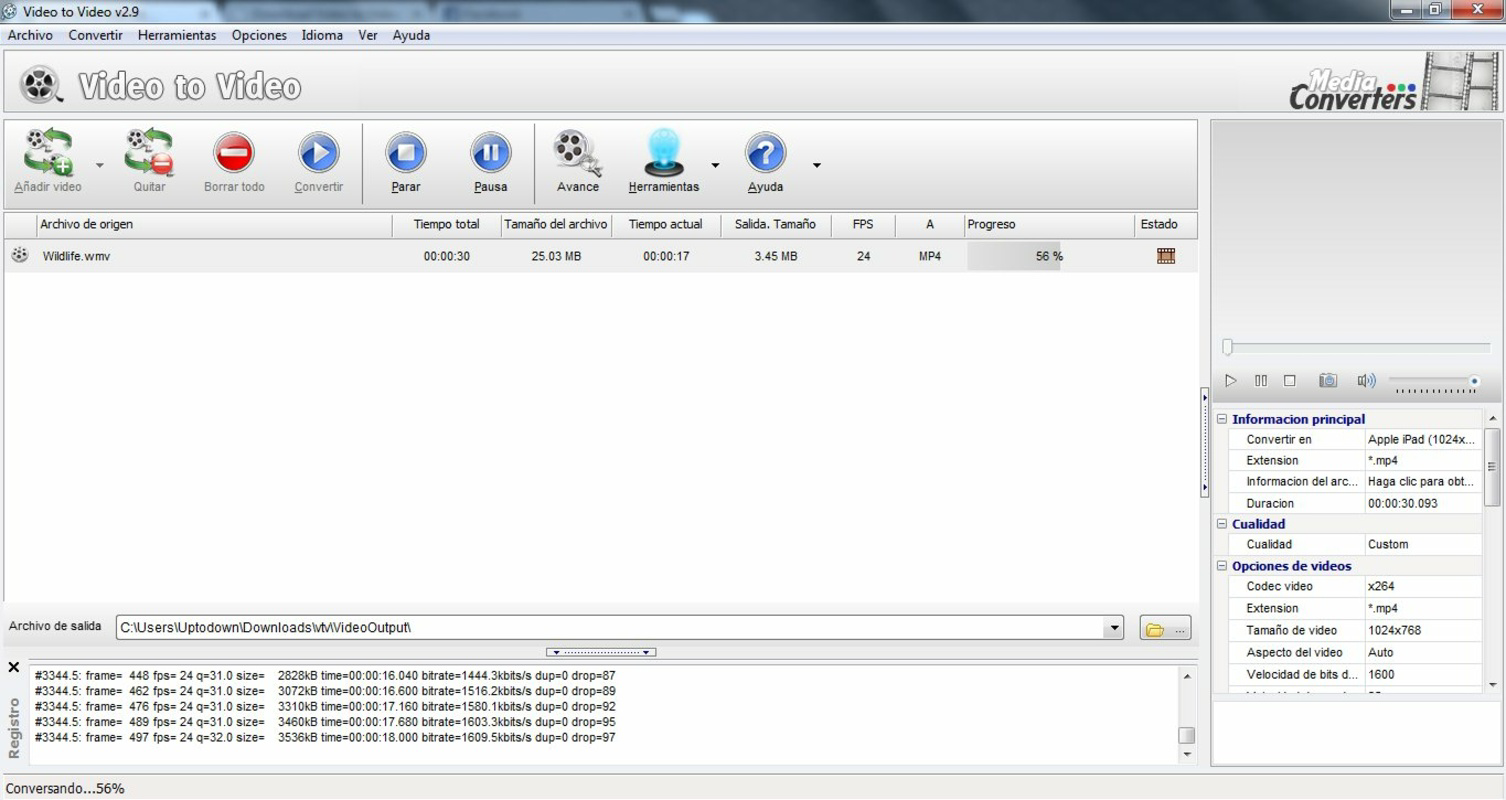
About Video to Video Converter PortableVideo to Video Converter Portable is designed for seamless video and audio file conversion across multiple formats, ensuring compatibility with all modern devices. Its portable nature allows users to carry this handy tool anywhere, eliminating compatibility issues. Along with conversion, it offers basic editing functionalities and an integrated player for easy video previews. This software is an all-in-one solution for users looking to convert and adapt videos for various purposes, including online uploads. Features of Video to Video Converter Portable - Portable and Installation-Free: Video to Video Converter Portable does not require installation, allowing users to carry it on a USB drive or other portable storage. This feature ensures you can use the converter on any compatible device without worrying about setup or installation conflicts. - Wide Format Compatibility: This converter supports a multitude of video and audio formats, including DivX and XviD, catering to various devices like TVs, smartphones, and tablets. Users can easily convert files for playback on Android, iPhone, or other popular mobile platforms. - User-Friendly Interface: With a simple and intuitive interface resembling other video converters, users can easily navigate through the conversion process. Just drag and drop your videos, select the output format, and you're ready to go, making it accessible for users of all skill levels. - Basic Editing Tools: In addition to conversion, Video to Video Converter Portable offers basic editing features such as combining or splitting videos and adding watermarks. This functionality allows users to make quick modifications before converting their files, adding an extra layer of convenience. - Integrated Video Player: The software includes an integrated video player that lets users preview videos directly within the interface. This feature helps ensure that users can confirm their selections and adjustments before finalizing the conversion process. Release Date of Video to Video Converter Portable 2013-05-24Reviewed by Arnold A. HoweShow MoreShow Less

Guides & Tutorials for Video to Video Converter Portable

How to install Video to Video Converter Portable
  1. Click the Preview / Download button above.
  2. Once redirected, accept the terms and click Install.
  3. Wait for the Video to Video Converter Portable download to finish on your device.
How to use Video to Video Converter Portable

This software is primarily used for its core features described above. Open the app after installation to explore its capabilities.

User Reviews for Video to Video Converter Portable 0

    No reviews found

Similar Apps
